
Disk Station Manager
Designed to help you manage and back up your data, DSM offers a wide range of apps and services for productivity at work and entertainment at home.
Configuring access permissions for company data through file sharing systems
Enterprise IT management by specialists matched to each type of work, reducing the cost of permanent staff.
File server management covering data security and access, backup and restore.
Installation, repair and improvement of your corporate network, including wireless and LAN faults.
Installation of Backup data systems of every kind — cloud, AWS, server and NAS — to IT audit standards
Immediate response, 24/7
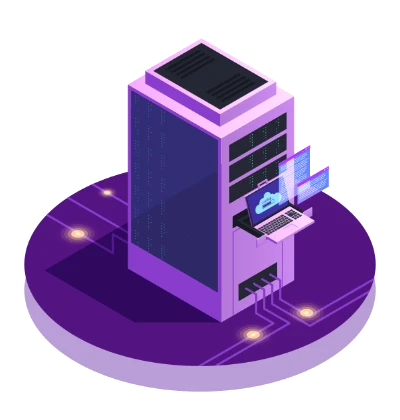
A NAS (network attached storage) is a storage device on your network. Files can be shared across many computers and exchanged without flash drives or external hard disks. Access can be managed by user permissions and disk quotas, and RAID adds data protection, so important company files aren't lost when a hard disk fails.
Today's NAS is much more than file storage. ITSupportThailand NAS is among the fastest-growing in the world thanks to its versatility and easy management through Disk Station Manager, browser-based software that makes storage management understandable to anyone, not just specialists — which lowers running costs. It supports file access from smartphones, tablets, iPad, Linux, Mac OS and Microsoft Windows, making it a popular choice at home or in the office for video and file storage and CCTV recording, right up to large enterprises with big datasets that need fast, accurate, secure search. It comes with a warranty of up to 5 full years.
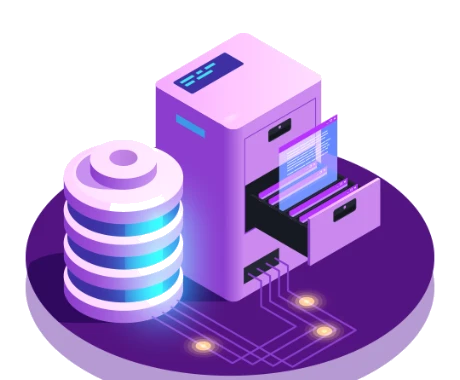
Designed to help you manage and back up your data, DSM offers a wide range of apps and services for productivity at work and entertainment at home.

Continuous backup lets businesses protect user data constantly and reduce the risk of data loss

Businesses can securely access a wide range of services and applications. ITSupportThailand offers a fully secure solution that defends against increasingly sophisticated threats.
We aim to give you more flexibility in managing IT and every kind of application with DSM 6.2's new advanced LUN system, iSCSI management and storage management. Security updates reach a new level without SHA, and detection of unusual DSM sign-ins makes DSM faster and more secure.


We take the security and privacy of your work seriously
Next-generation firewalls give deeper per-application control with better monitoring. Security administrators can create very granular rules to allow or deny websites and applications, combining enterprise firewall capability with intrusion prevention and application control.

DSM 6.2 helps companies worldwide handle workloads with stability and high performance. Its proven reliability made DSM 6.2 a long-term support (LTS) release through 2023.
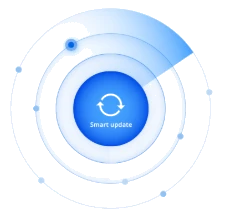
DSM 6.2.2 introduces a completely new update mechanism that notifies you automatically when an update includes new features or fixes relevant to your configuration, simplifying how you check and assess an update's impact on your system.
DSM is a fast, secure way to share content the way you want. You can share files on ITSupportThailand NAS and fine-tune access permissions for maximum security, in many ways — from Windows®, Mac® and Linux® computers or mobile devices.
ITSupportThailand protects your data with DSM's features while also safeguarding the operating system itself. A trusted scanner lets ITSupportThailand scan the system thoroughly and apply fixes across all major DSM editions.

Store your data on a Synology NAS for easy access from Windows, Mac and Linux computers over the internet and LAN

Store your data on a Synology NAS for easy access from Windows, Mac and Linux computers over the internet and LAN

Protect data on Windows, Mac and Linux computers — combined with ITSupportThailand NAS, you save even more

Complete virtualisation solutions with iSCSI, Virtual Machine Manager and container technology

Boost productivity with documents and spreadsheets, improve projects with effective communication tools, set up private email and much more

Enjoy photos, videos and music through easy-to-use web and mobile interfaces

Fast QuickConnect access and purpose-built backup storage

DSM helps you configure, maintain and monitor your NAS professionally

Advanced security solutions to protect your NAS from threats
A NAS is a ready-made device built specifically for storing and sharing files — faster to install and easier to manage. A file server on Windows Server is more flexible and integrates more deeply with Active Directory. We'll help you assess which suits you.
Both are reliable. Synology stands out for easy-to-use software and built-in backup, while QNAP often offers better hardware specs for the same price. The choice depends on budget and the features you actually need.
For most organisations we recommend RAID 5 or RAID 6, which survive 1–2 disk failures without losing data. RAID 1 suits two-bay NAS units. But RAID isn't a backup, so always have a separate backup system too.
Yes. We set up folders and permissions to match your structure, down to user and group level, for read, write and delete — and connect to Active Directory so staff use the same password they log in with.
Yes — through a VPN, which is the most secure, or through the NAS's own remote access with two-factor authentication enabled. We don't recommend opening ports directly to the internet without protection.
You're alerted immediately by email and on the console. We replace the disk and the system rebuilds the data with no downtime. Under a support contract, we keep spare disks ready to swap in.
Professional support for every IT problem you have
ITSUPPORTTHAILAND
Answered by our team during business hours
Hello 👋 Ask us anything about our IT services. We'll reply via: WhatsApp